
Requesting your reward is simple and can be done directly from your dashboard once all eligibility requirements are met.
How it works:
Once your account meets the reward requirements, go to your dashboard and select your account.
Under your account number, the “Request Payout” button will appear.
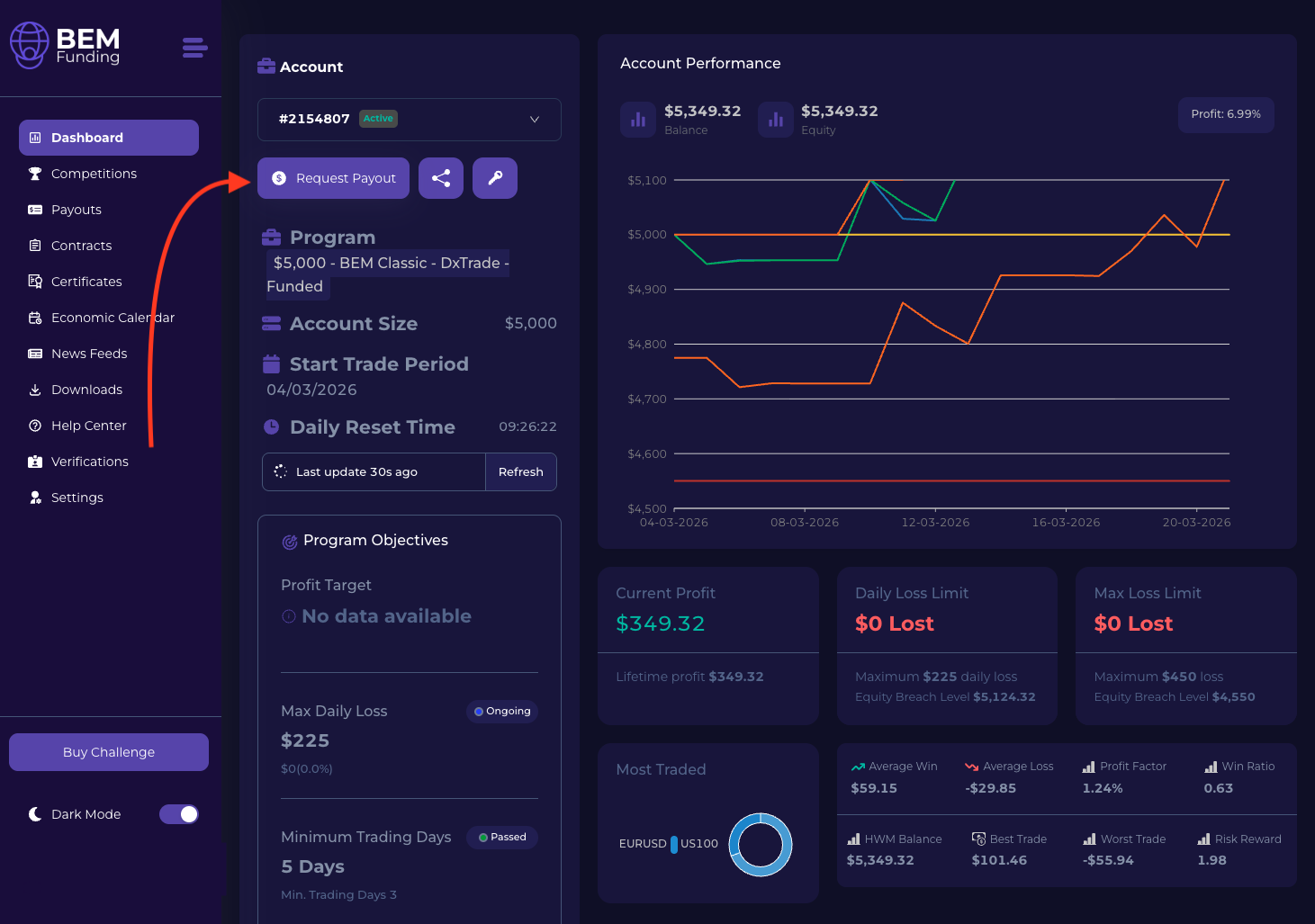
Click this button to begin your reward request.
Choose your payout method:
-
If your eligible reward is below $1,500, you must select Crypto (USDC – ERC-20)
-
If your eligible reward is $1,500 or above, your reward will be processed via Rise Works
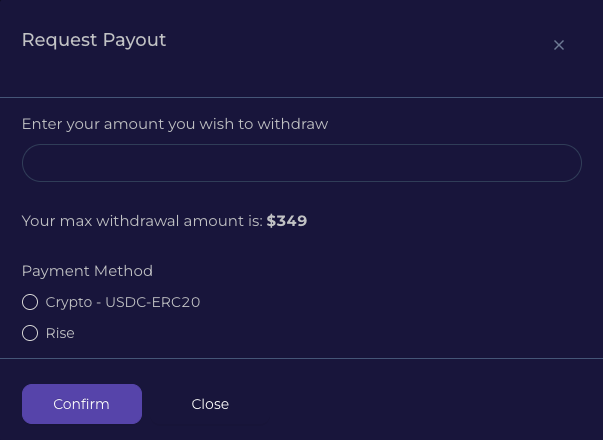
Please note that, due to regulatory and compliance requirements, cryptocurrency rewards are processed only in USDC (ERC-20 network).
Need help?
If you have any questions about rewards, please contact our support team at [email protected].